
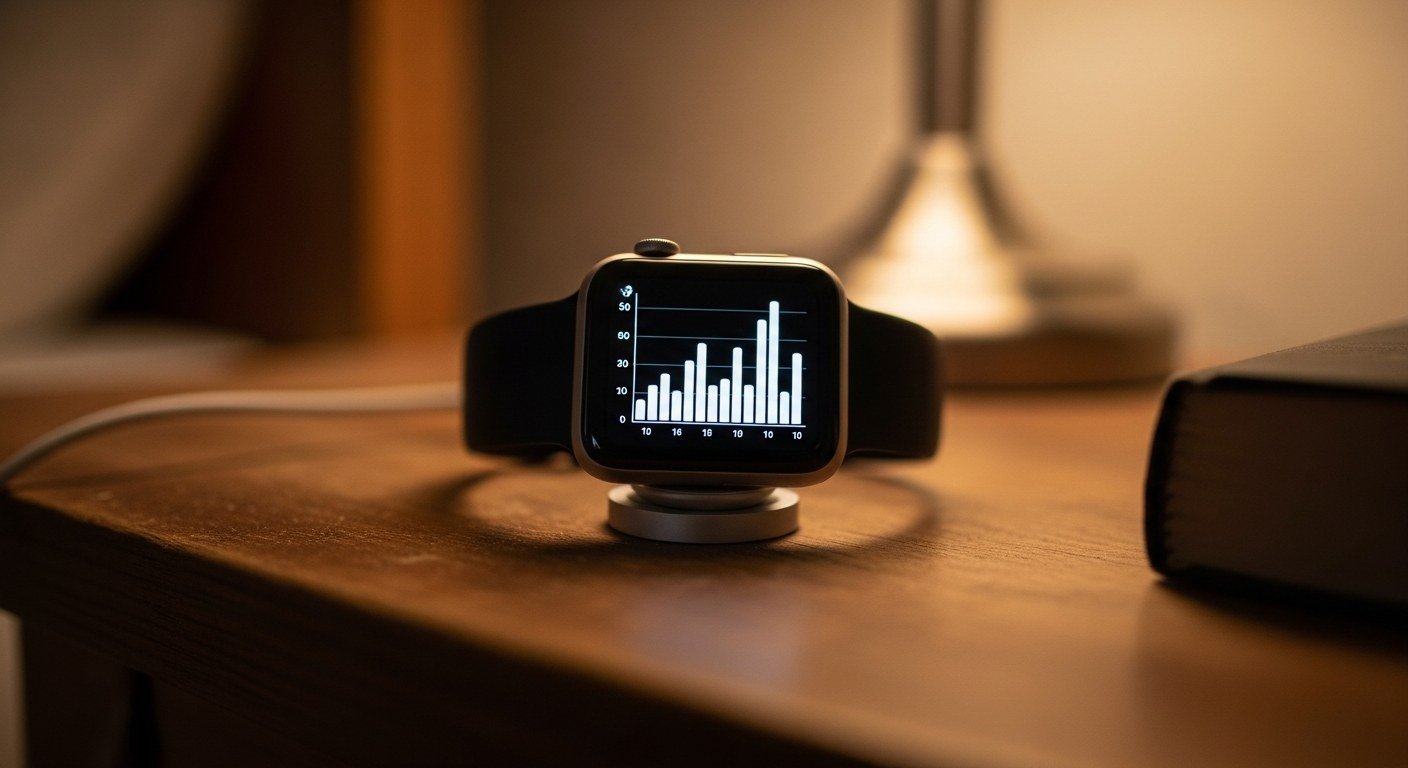
If you have a compatible Apple Watch, open the Health app, tap ‘Browse,’ search for ‘Movement Disorder,’ and enable tracking. Wear the watch continuously for at least one week before your next neurology appointment.
⚡ Quick Answer
Smartwatch motor tracking uses on-board accelerometers to detect subtle tremors and dyskinesia. A powerful strategy is using an FDA-cleared app to log this data passively, providing objective evidence of motor fluctuations. To begin collecting data, consider enabling the ‘Movement Disorder Tracking’ feature in your Health app.
Clinical References
- San-Segundo R, Zhang A, et al. Parkinson's Disease Tremor Detection in the Wild Using Wearable Accelerometers. Sensors (Basel). 2020. PMID: 33066691.
- Reardon S, Shuqair M, et al. Wearable Sensor Configurations for Effective Tremor Assessment in Parkinson's Disease. Annu Int Conf IEEE Eng Med Biol Soc. 2024;2024:1-4. PMID: 40039765.
- Kuosmanen E, Wolling F, et al. Smartphone-Based Monitoring of Parkinson Disease: Quasi-Experimental Study to Quantify Hand Tremor Severity and Medication Effectiveness. JMIR Mhealth Uhealth. 2020;8(11):e21543. PMID: 33242017.
In This Article
- How Smartwatches Objectively Measure Parkinson’s Tremors
- Activating FDA-Cleared Tracking on Your Apple Watch
- Interpreting Your Watch Data for Better Doctor Visits
- Beyond Tremors: Dyskinesia Tracking and Data Privacy
- How Wearable Data Transforms Medication Management
From Guesswork to Gigabytes: Your Watch Knows Your Tremors
Trying to recall the exact time and severity of tremors for a neurology appointment can be frustrating and inaccurate. Parkinson’s motor symptoms fluctuate, and relying on memory alone often fails to capture the full picture. Modern smartwatches, like the Apple Watch, contain sophisticated motion sensors (accelerometers and gyroscopes) that can passively and objectively record these fluctuations 24/7. This technology transforms a personal device into a powerful data-gathering tool, allowing you to partner with your neurologist with concrete evidence. Sharing this objective data helps foster a more collaborative and precise approach to managing your care.
THE DATA GAP
40%
Up to 40% of patient-reported ‘ON/OFF’ diary entries may be inaccurate when compared to objective wearable sensor data (Source: MDS, Current Guidelines).
It’s 2 AM. Sarah watches her husband, David, sleeping. She knows his next neurologist visit is in two weeks, and the doctor will ask the same question: ‘How have his tremors been?’ She tries to remember if the shaking before his noon medication is getting worse, but the days blur together. The stress of being an accurate reporter is immense. Then, she remembers an article. Grabbing her phone, she finds David’s Apple Watch on the charger. ‘If you own a compatible smartwatch,’ she reads, ‘navigate to the Health app tonight and enable ‘Movement Disorder Tracking.’ Wear the watch continuously for 7 days.’ A wave of relief washes over her. For the first time, she feels like she has a tool, not just a memory, to fight back.
3 Clinical Strategies
Reviewed against current clinical practice standards.
How Do I Activate the Apple Watch Movement Disorder Feature?
- Smartwatch-based motor fluctuation monitors are FDA-cleared as Class II medical devices for the passive, continuous quantification of Parkinsonian tremor and dyskinesia. [1]
- This feature uses an application programming interface (API), a specific software framework designed for medical data, not just a standard fitness app (Source: APDA, Current Guidelines).
- For the algorithm to establish a reliable baseline of your personal motor patterns, the watch must be worn consistently, including during sleep if possible, for several days prior to data analysis (Source: MJFF, Current Guidelines).
💡 What You Can Do Today: Tonight, open the Health app on the paired iPhone. Tap the ‘Browse’ tab, search for ‘Movement Disorder’, and follow the on-screen prompts to enable tracking. Ensure the watch is worn snugly on the wrist.
What Does This Data Mean for My Medication Schedule?
- Continuous kinematic data generated by wearable accelerometers provides superior objective insights into dopaminergic medication efficacy compared to subjective patient diaries. [2]
- Integrating passive wearable data allows Movement Disorder Specialists to execute precise, micro-adjustments to Levodopa titration schedules. [3]
- The primary benefit is pinpointing ‘wearing-off’ periods—when medication effects diminish—with minute-level accuracy, something a manual diary cannot achieve. Never adjust medications without direct guidance from your prescribing physician.
💡 What You Can Do Today: Before your next appointment, open the Health app, navigate to the Movement Disorder data, and tap the ‘Export PDF’ option. Save this file to your phone or email it to yourself so it’s ready to show the specialist.
How Can I Ensure My Doctor Takes This Data Seriously?
- Present the data as a tool to enhance, not replace, your verbal report. This data provides objective evidence that supports your subjective experiences (Source: AAN, Current Guidelines).
- Highlight the stakes: Accurate data on ‘wearing-off’ and dyskinesia can help prevent dose failures, reduce the risk of falls, and potentially delay the need for more invasive therapies. Always discuss these goals with your neurologist.
- Many neurologists, especially those using telehealth, now consider objective wearable data a key component of modern Parkinson’s care. It is not just a novelty but an emerging standard (Source: NINDS, Current Guidelines).
💡 What You Can Do Today: When you call to confirm your appointment, state this sentence to the nurse or scheduler: ‘I will be bringing a 7-day objective motor fluctuation report from an FDA-cleared wearable device to discuss medication titration.’ This pre-frames the conversation and helps the clinical team prepare.
Feeling lost trying to remember every tremor and ‘OFF’ time?
Objective data can transform your conversations with the neurologist, and you don’t have to figure it out alone.
Comparing Motor Fluctuation Tracking Methods
The Accelerometer’s Secret: Distinguishing Tremor from Normal Movement
A common question is how a watch can tell the difference between a Parkinson’s tremor and other movements, like gesturing or typing. The answer lies in frequency analysis. The software algorithm isolates movement patterns within the 4-6 Hz frequency band, the characteristic signature of a Parkinsonian resting tremor. It simultaneously analyzes for other patterns that indicate dyskinesia. By filtering out movements at other frequencies (like the quicker motions of typing or the slower sway of walking), the device can achieve high specificity in tremor detection. This is more than just counting shakes; it’s a form of digital signal processing that provides clinical-grade information. (Source: MDS, Current Guidelines).
Your watch isn’t just counting shakes; it’s performing a spectral analysis to identify the unique fingerprint of a Parkinsonian tremor.
Data Privacy and Sharing: Who Owns Your Tremor Data?
Using a personal device for medical tracking raises valid privacy concerns. According to Apple’s framework, data collected by the Movement Disorder API is processed on-device and stored encrypted within your Health app. It is not shared with Apple or other third parties unless you explicitly choose to do so. When you export the PDF report to share with your neurologist, that document then becomes part of your personal health information. At that point, it should be protected under HIPAA by your provider’s clinic. Always confirm your clinic’s policy for receiving patient-generated health data before sending. (Source: Family Caregiver Alliance, Current Guidelines).
✅ Your Next Steps
Use this checklist to start today.
- ✅ Add to Prep PDF: Present exported smartwatch API data log (Tremor/Dyskinesia) for medication titration.
- ✅ Enable Tracking Now: Navigate to the Health app on your iPhone, search for ‘Movement Disorder Tracking,’ and enable it. Ensure the watch is worn for 7+ days before your next appointment.
- ✅ Set an Export Reminder: Set a calendar reminder for two days before your neurology appointment to export the PDF report from the Health app.
- ✅ Prepare Your Questions: Write down specific questions for your doctor based on the data, such as, ‘The report shows my tremors peak at 3 p.m. Should we discuss adjusting my midday medication?’ Always consult your physician before making any changes.
- ✅ Join the Community: Attend a free Parkinsons.Community peer support session.
Clinical References
- San-Segundo R, Zhang A, et al. Parkinson's Disease Tremor Detection in the Wild Using Wearable Accelerometers. Sensors (Basel). 2020. PMID: 33066691.
- Reardon S, Shuqair M, et al. Wearable Sensor Configurations for Effective Tremor Assessment in Parkinson's Disease. Annu Int Conf IEEE Eng Med Biol Soc. 2024;2024:1-4. PMID: 40039765.
- Kuosmanen E, Wolling F, et al. Smartphone-Based Monitoring of Parkinson Disease: Quasi-Experimental Study to Quantify Hand Tremor Severity and Medication Effectiveness. JMIR Mhealth Uhealth. 2020;8(11):e21543. PMID: 33242017.
⚠️ Medical & Legal Disclaimer: This article is for educational purposes only and does not constitute medical advice. Consult a Movement Disorders Specialist for evaluation of Smartwatch Motor Tracking. Parkinsons.Community provides educational navigation support only and does not perform clinical triage.
📞 When to Call 911: If you or your loved one experiences a medical emergency — difficulty breathing, loss of consciousness, a fall with injury, chest pain, or sudden severe confusion — call 911 immediately. The information on this page is educational and does not replace emergency medical services.
FREE MEMBER BENEFIT
You Don’t Have to Face This Alone
Translating wearable data into clinical action can feel overwhelming. Connect with peers who have navigated this process and learn how they successfully partnered with their doctors for better outcomes.
Educational support only. Never medical triage.